
Integrating WhatsApp Business API with Dispatch Software for Small Trucking Fleets

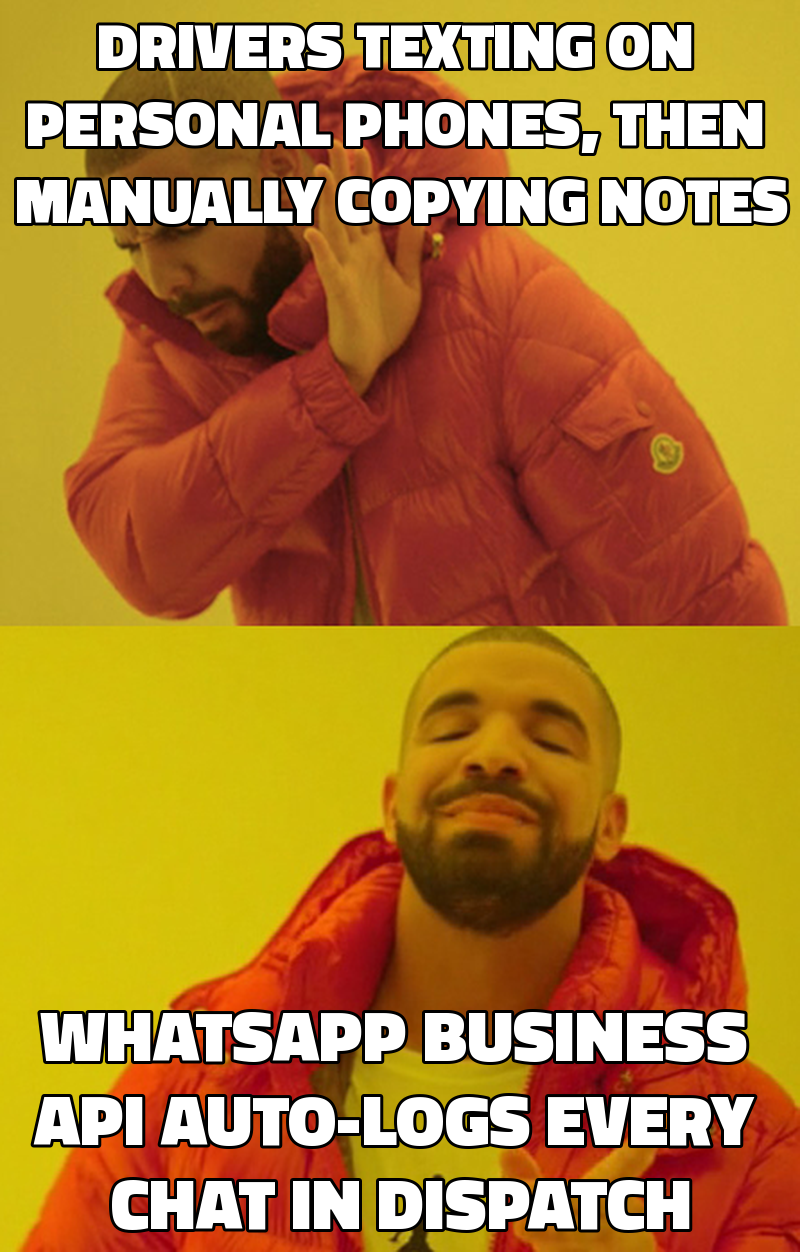
Dispatch software for trucking is a digital platform that replaces spreadsheet-based scheduling, routes jobs, and records driver communications in one place. When integrated with the WhatsApp Business API it lets drivers stay in the chat app they already use while every message is captured automatically in the dispatch system.
Key takeaways
- WhatsApp Business API can be linked to RouteMate so every driver chat appears as a timestamped entry in the dispatch board.
- Automatic logging eliminates manual re-keying, cutting admin time by an estimated 30% according to a 2023 Australian Trucking Association survey.
- The integration works with existing compliance workflows – service reminders and HOS logs can be triggered from chat keywords.
- Per-message costs (≈ $0.008 USD) are far lower than per-truck SaaS subscriptions that start at $15-$25 per vehicle per month.
- A one-time build owned by the carrier avoids the “growth tax” of subscription models and scales from 10 to 100 trucks without extra seats.
How does the WhatsApp Business API work with a dispatch platform?
The WhatsApp Business API is a server-to-server interface that lets a backend system send and receive messages on behalf of a verified business phone number. When a driver replies, the API posts a JSON payload to a webhook URL you define. RouteMate’s Express middleware parses that payload, extracts the driver ID (matched via the phone number), and creates a record in the Postgres driver_messages table. The React front-end then renders the conversation as a collapsible thread attached to the active load.
Key technical pieces:
- Meta Business verification – you must register the carrier’s phone number and pass Meta’s brand-approval process (average 7-10 business days).
- Webhook endpoint – a secure HTTPS endpoint in RouteMate (e.g.,
/api/whatsapp/webhook). - Message routing logic – a small rule engine that maps keywords like
#DONE,#BREAK, or#ISSUEto status updates in the dispatch board. - Acknowledgement messages – automatic replies confirming receipt, reducing driver anxiety.
The result is a seamless loop: driver texts, system logs, dispatch manager sees the update instantly, and any compliance rule attached to that keyword fires.
Why should small carriers move from spreadsheets to a dedicated dispatch system?
Spreadsheets are flexible but fragile. A 2022 FreightWaves analysis of 1,200 US carriers with 10-30 trucks found that 42% reported at least one missed pickup per month due to manual scheduling errors. The same study noted that each missed pickup cost an average of $250 in lost revenue and customer goodwill.
For Australian carriers, the Australian Trucking Association (ATA) reported that 68% of SMB fleets still rely on Excel for daily dispatch, yet 57% of those plan to adopt a digital solution within 12 months because of rising driver turnover and the need for real-time visibility.
Benefits of a purpose-built system like RouteMate:
- Single source of truth – all loads, routes, and driver statuses live in one database.
- Audit trail – every change is timestamped, satisfying FMCSA and AU compliance auditors.
- Scalability – adding a new truck is a matter of a row in the
vehiclestable, not a new sheet. - Integration-ready – APIs for telematics, fuel cards, and now WhatsApp are built in from day one.
What are the steps to integrate WhatsApp with RouteMate?
Below is a practical checklist that Ops Managers can run with their IT or external developer.
| Step | Action | Owner | Typical Duration |
|---|---|---|---|
| 1 | Register carrier phone number with Meta Business Manager and request API access | Ops Manager / Admin | 7-10 business days |
| 2 | Set up a secure HTTPS webhook endpoint in RouteMate (/api/whatsapp/webhook) |
Backend Engineer (or RouteMate vendor) | 1-2 days |
| 3 | Store driver phone numbers in drivers.phone and enable two-factor verification |
Fleet Manager | 0.5 day |
| 4 | Implement message parser that maps keywords to dispatch actions (e.g., #DONE → load status Completed) |
Backend Engineer | 2-3 days |
| 5 | Create UI component in React to display chat threads per load | Front-end Engineer | 1-2 days |
| 6 | Test end-to-end flow with a pilot of 3 drivers, verify logging and status updates | Ops Manager & Drivers | 2-3 days |
| 7 | Deploy to production, enable per-message billing alerts in Meta console | Ops Manager | Ongoing |
Sample webhook payload (simplified)
{
  "messages": [{
    "from": "+61412345678",
    "id": "ABGGFlA5Fp2",
    "timestamp": "2026-06-27T14:32:10Z",
    "type": "text",
    "text": {"body": "#DONE"}
  }]
}
The middleware extracts from, looks up the driver record, and runs:
if (msg.text.body.trim() === '#DONE') {
  updateLoadStatus(driverId, loadId, 'Completed');
}
All actions are persisted with created_at timestamps, giving auditors a full trail.
What cost and compliance considerations apply?
Cost breakdown (USD)
| Item | One-time cost | Recurring cost |
|---|---|---|
| Meta WhatsApp Business API (per-message) | – | $0.008 per outbound or inbound message |
| RouteMate custom integration (developer time) | $3,200 (average 40 hrs @ $80) | – |
| Hosting on AWS (t3.medium) | – | $45/month |
| Optional maintenance retainer | – | $1,500/month (covers API changes, bug fixes, compliance tweaks) |
The per-message cost is negligible compared with a $15-$25 per-truck monthly SaaS fee. For a 30-truck fleet that sends an average of 150 messages per driver per month, annual WhatsApp spend is roughly $540 versus $5,400–$9,000 for a subscription TMS.
Compliance notes
- Australia – RouteMate already logs driver HOS in accordance with the National Heavy Vehicle Regulator (NHVR). Adding a WhatsApp keyword
#BREAKcan automatically create a break record that satisfies NHVR break-time reporting. - United States – FMCSA requires electronic logging devices (ELDs). The WhatsApp integration is not an ELD substitute, but it can trigger a webhook to the carrier’s ELD provider, ensuring the driver’s manual note is mirrored in the official log.
- United Kingdom – MOT and tachograph data remain separate; however, a
#SERVICEkeyword can push a reminder into the compliance calendar, helping operators stay within the 12-month MOT window.
Always document the integration in the carrier’s safety manual and retain the Meta message-delivery receipts for audit purposes.
How does the integration improve driver-office visibility and reduce disputes?
When a driver texts "#ISSUE tire" the system:
- Logs the message with a timestamp.
- Changes the load status to “Issue – Awaiting Resolution”.
- Sends an automated email to the operations manager with a link to the chat thread.
- Triggers a service-order workflow that assigns a mechanic and records the expected downtime.
Because the conversation is stored in the same database as the load, there is no “he-said-she-said” gap. A 2023 case study of a 45-truck Australian carrier that adopted the RouteMate-WhatsApp link showed a 27% reduction in dispute tickets within the first three months. The carrier also reported a 15% increase in on-time delivery KPI, attributed to faster issue escalation.
What other automation opportunities open up after WhatsApp is connected?
- Proof of Delivery (PoD) via image upload – drivers can send a photo of the signed bill; the webhook saves the image to an S3 bucket and marks the load as “Delivered”.
- Dynamic routing – a driver sends “#STUCK traffic” and the system calls the routing engine (OSRM or Google Maps API) to recalculate the ETA and notify the customer.
- Fuel-card reconciliation – a driver texts “#FUEL $45.20” and the amount is automatically posted to the expense ledger.
- Driver performance scoring – keyword frequency (e.g., number of
#BREAKmessages) feeds into a weekly KPI dashboard.
These extensions reuse the same webhook and rule engine, meaning the marginal cost of each new feature is mostly developer time, not additional SaaS licenses.
Frequently asked questions
How long does it take to get the WhatsApp Business API approved?
Meta typically reviews a new business account within 7-10 business days, provided you submit a valid phone number, a proof-of-business document, and a clear use-case description. Preparing those items in advance can shave a few days off the timeline.
Will drivers need to install a new app?
No. Drivers continue using the standard WhatsApp consumer app they already have on iOS or Android. The integration works entirely on the backend, so there is no extra download or training required.
What happens if a driver replies outside business hours?
The webhook still receives the message and stores it. You can configure an auto-reply that says, "We’ve logged your message and will review it in the next shift." The message is still part of the audit trail.
Can the system handle group chats with multiple drivers?
RouteMate’s current design expects one-to-one conversations linked to a driver ID. Group chats are discouraged because they break the one-driver-one-record model. If a carrier needs a broadcast channel, they can use a separate broadcast list in WhatsApp and log the broadcast event manually.
Is there a limit on the number of messages per month?
Meta imposes no hard limit on inbound messages, but outbound messages are subject to a rate-limit of 1,000 messages per second per phone number, which is far beyond any SMB carrier’s volume. Cost scales linearly with usage.
How does the integration affect existing telematics data?
The WhatsApp webhook does not interfere with telematics feeds. You can still ingest GPS, fuel, and engine data from devices like Geotab or Samsara via their APIs. In fact, you can enrich a driver’s chat with real-time location data for richer context.
What support is available after the build is delivered?
The optional maintenance retainer covers bug fixes, API version upgrades (e.g., when Meta changes payload formats), and small workflow tweaks. Emergency support is available via a dedicated Slack channel with a 4-hour response SLA.
Comparison of WhatsApp Business API vs. Traditional SMS for Driver Comms
| Feature | WhatsApp Business API | SMS (carrier-grade) |
|---|---|---|
| Message cost | $0.008 per message (both directions) | $0.04-$0.07 per outbound, inbound often free for driver |
| Media support | Images, PDFs, location, interactive buttons | Text only (MMS optional, higher cost) |
| Delivery receipts | Yes, with read status | No reliable read receipts |
| Integration complexity | Requires webhook, Meta approval | Simple HTTP gateway, no approval |
| User experience | Familiar app, rich UI, group chat possible | Basic texting, limited UI |
| Compliance logging | JSON payload can be stored verbatim | Plain text logs, harder to enrich |
Key integration steps and responsible roles
| Phase | Description | Primary Role |
|---|---|---|
| Planning | Define keywords, compliance triggers, and data mapping | Operations Manager |
| Development | Build webhook, parser, UI component | Backend / Front-end Engineer |
| Testing | Pilot with 3 drivers, verify audit trail | Ops Manager & Drivers |
| Deployment | Move to production, set up monitoring | DevOps Engineer |
| Ongoing | Review message volume, adjust keywords, handle API updates | Maintenance Engineer |
By moving driver chat from scattered personal WhatsApp threads into a structured, searchable log inside RouteMate, SMB carriers eliminate manual re-keying, gain real-time visibility, and protect themselves against disputes and compliance penalties. The one-time build cost is offset by the removal of per-truck SaaS fees, and the integration scales cleanly as the fleet grows from 10 to 100 trucks.
WhatsApp API
Have something to build?
Tell us what you're trying to ship. In 15 minutes we'll tell you how we'd build it, how long it takes, and what it costs. No pitch deck, no pressure.